Create your digital menu without retyping it
Three steps: import the menu you already have, choose a design, publish. Guests reach it by QR code or by link.
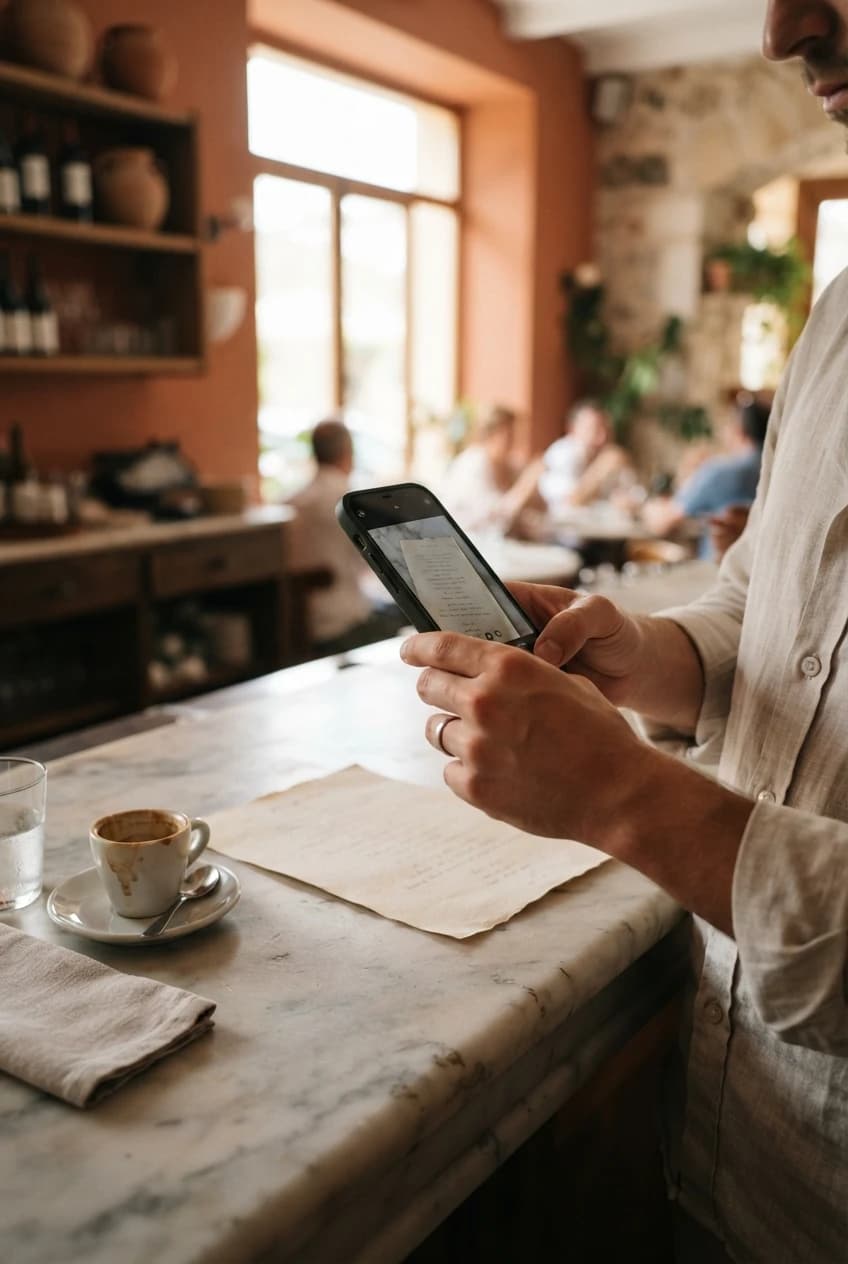
Step one: photograph the menu you already have
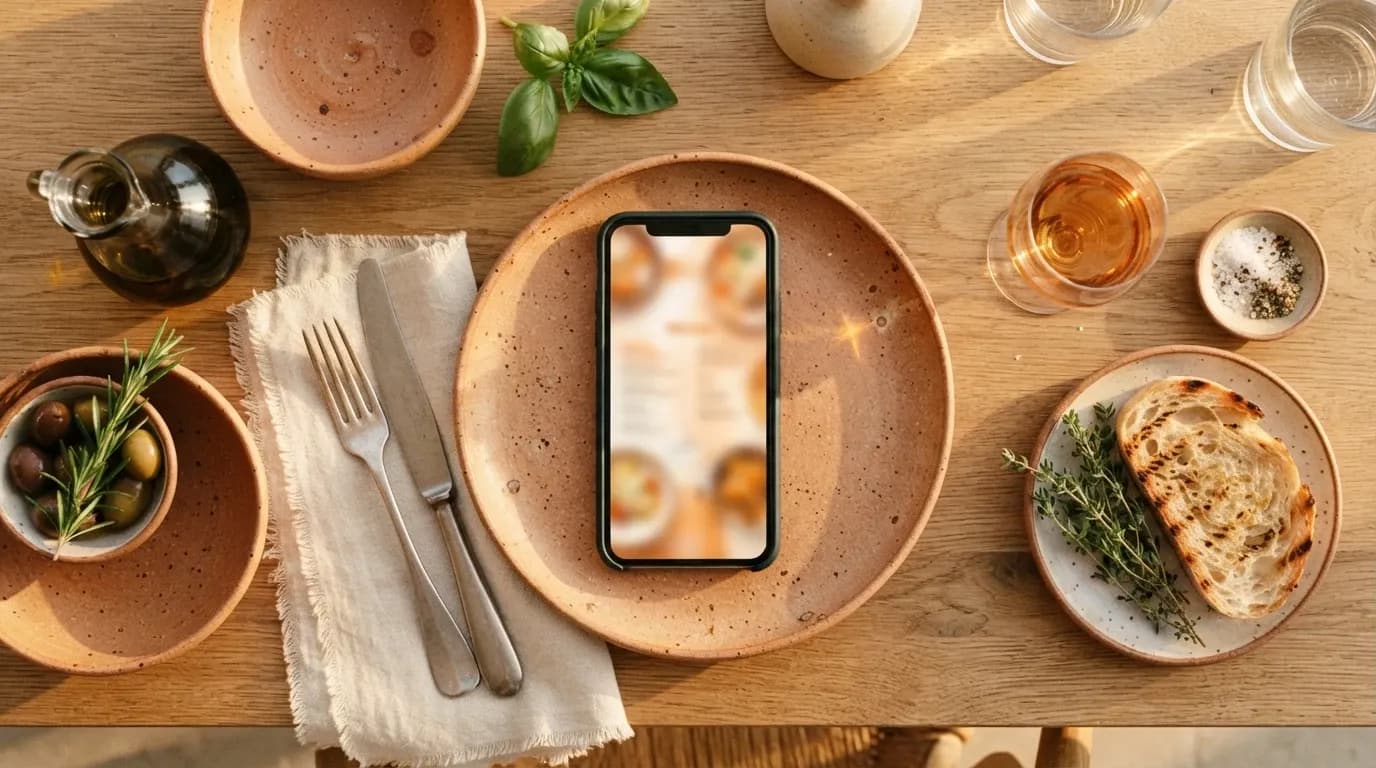
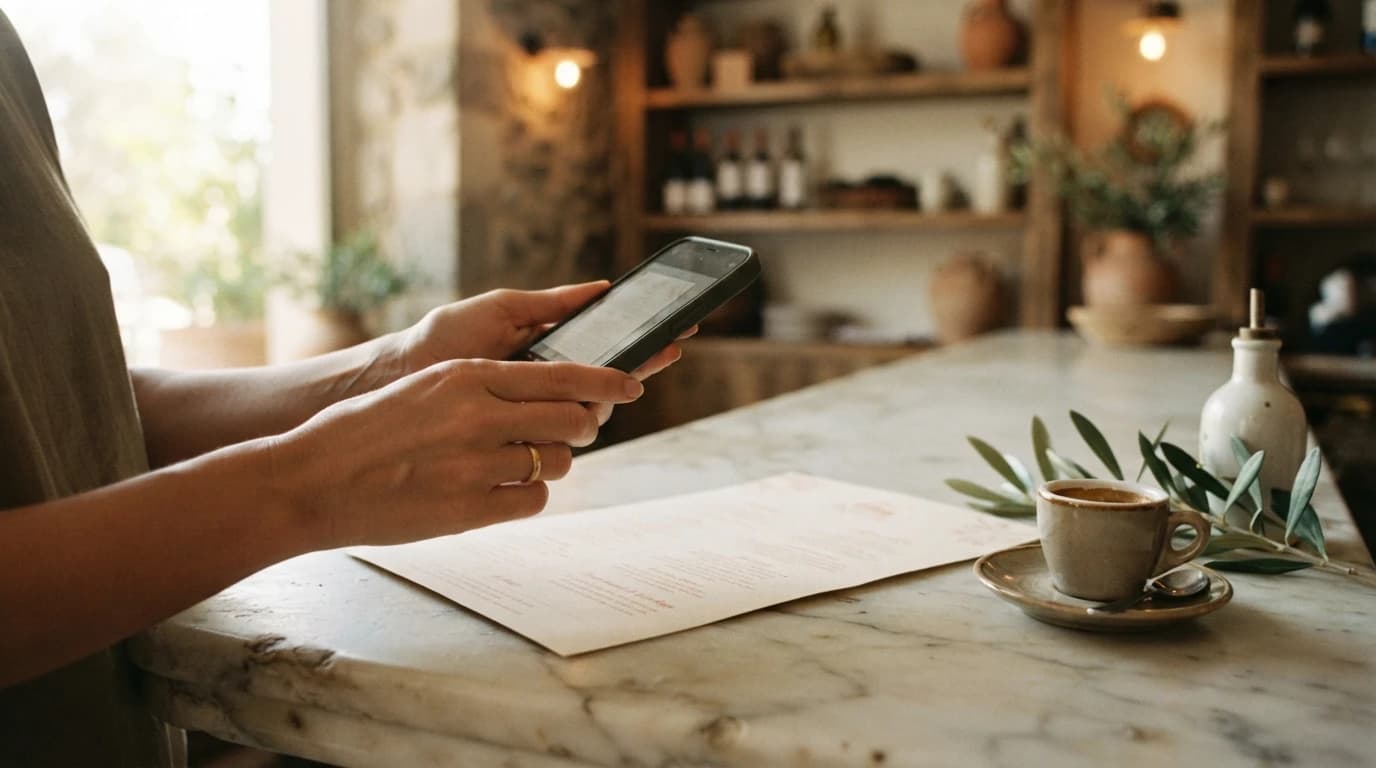
We start from whatever is to hand. Your printed menu, a PDF, or a picture taken quickly on your phone. NUSA reads the document and pulls out the dishes, the prices, the sections and the descriptions.
The point is to spare you two hours of typing. The file doesn’t need to be perfect — a roughly sharp photograph will do. Then you read it over, catch a typo, put back the price that has moved since the last print run. Nothing is decided without you.
Step two: choose your design
Ten designs, each with its own character: warm bistro, typographic minimalism, Mediterranean riviera, urban counter, and six more. The preview runs on your dishes, not on filler text.
So you see exactly what your guests will see, before anything is published. Change design with a click, put two atmospheres side by side, keep the one that looks most like your house.
Step three: publish
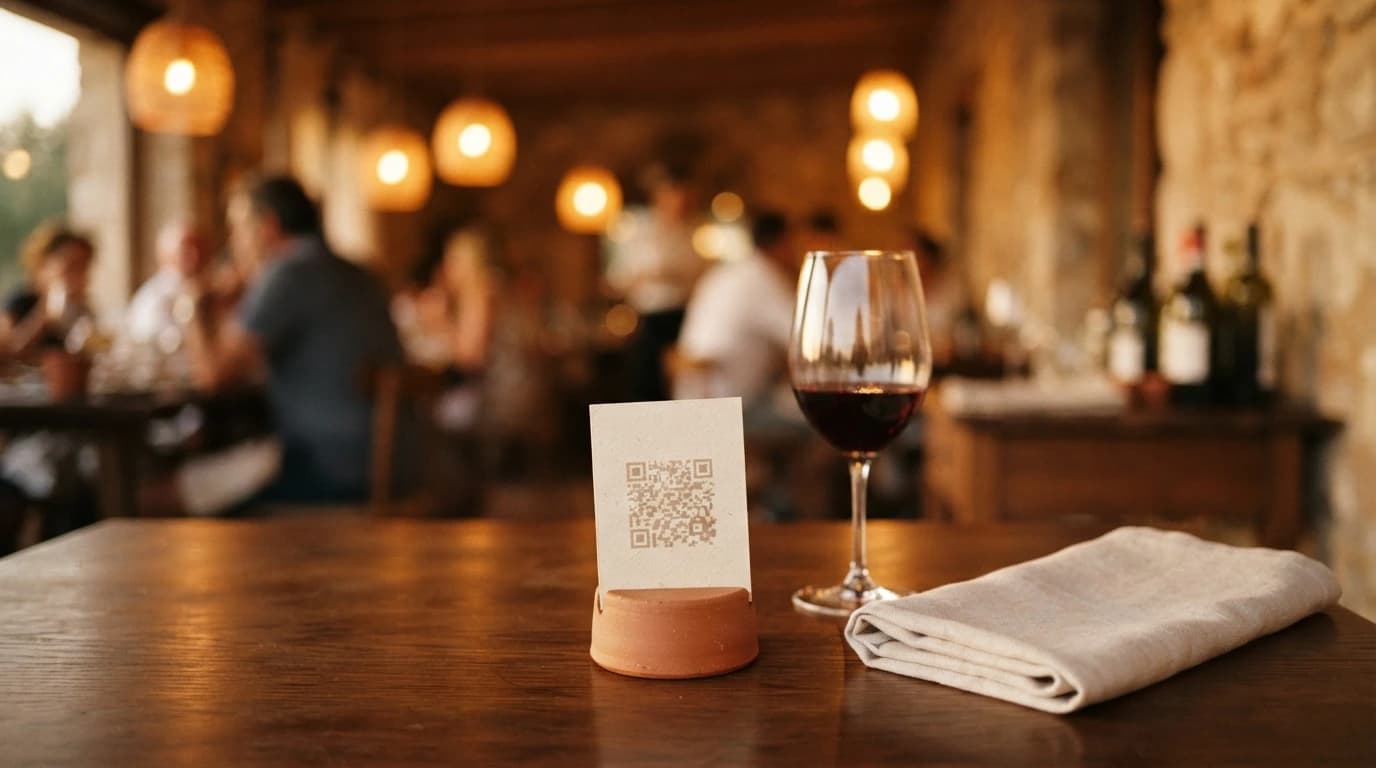
When the result suits you, you publish. NUSA produces the QR code and a custom link along the lines of nusa.menu/your-name. The code goes onto your stands, in the room, in the window; the link goes onto your social accounts.
From then on, every change is live moments later: a dish added, a price revised, a shortage in the kitchen. The code and the link, for their part, never change.
Going further
A digital menu can be a good deal more than a list of dishes. Add photographs to your signature plates. Fill in allergens dish by dish, to be in order and to settle the guests who need it. Open translations if you see a lot of visitors. Structure your set menus so they read at a glance.
Your menu doesn’t arrive alone, either: it sits behind a front page that introduces your house, with a photograph, opening hours, address and telephone. For an address without a website, that is the shop window that was missing.
You can also let guests ask for a table straight from the menu: they send a request, you answer by email with a click.
All of it runs from the same place. There are no three tools to keep in step.
Free to begin with
Everything up to publishing is free. You import, you try the designs, you look at the result. No card asked for at that stage.
Publishing opens seven days of free trial, then €39 excl. VAT per month per address, or €390 excl. VAT per year. No commitment. VAT not applicable, art. 293 B of the French Tax Code.
Frequently asked questions
Do I have to type everything in by hand?
No. The import recognises dishes, prices and sections from a photograph or a PDF. You read it over and adjust, but the initial typing is done for you.
Can I edit the menu after publishing?
Yes, as often as you need. The change is live moments later, and both the QR code and the custom link stay the same.
What happens at the end of the free trial?
If you stop before the seventh day, nothing is charged. Otherwise the subscription starts at the current rate: €39 excl. VAT per month, or €390 excl. VAT per year, per address.